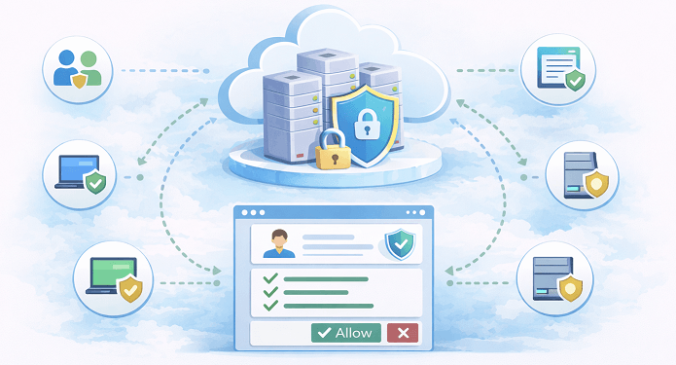
In my previous blog about LDAPS certificates, I briefly touched on a topic that often leads to confusion, how a Domain Controller actually decides which certificate to use for LDAPS. At the time, I promised to dive deeper into that specific mechanism, because understanding it is critical when troubleshooting seemingly “mysterious” LDAPS issues. This post is that promised deep dive.
Continue readingPage 2 of 6
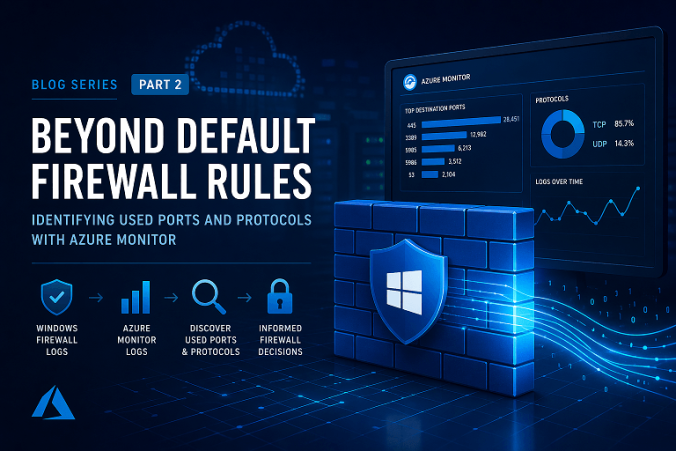
If you’re running Active Directory, like I said in a previous blog, that’s the majority of readers, you’re almost certainly using LDAPS, the secure version of LDAP. Not just because it’s “best practice,” but because plaintext LDAP over port 389 is a really bad idea, furthermore Microsoft has blocked access when you’re trying to connect to just LDAP on port 389 without any form of security.
While Microsoft has not removed the ability to use LDAP on port 389, recent security hardening features (such as LDAP channel binding and LDAP signing) can be configured to reject simple bind operations that are not signed or encrypted. In practice, many organizations today do not support clear-text LDAP unless it is secured (for example, via LDAPS). That’s why enabling LDAPS and proper security policies is highly recommended.
Unfortunately most environments treat LDAPS like a checkbox: “Yeah, we enabled LDAPS, installed a certificate, moved on.”
And that’s fine… until it isn’t. If your LDAP clients, VPN gateways, firewalls, RADIUS/NPS servers, Linux services, identity proxies, SaaS connectors, security appliances (the list goes on) depend on LDAPS, then what happens when the one Domain Controller you pointed them at suddenly goes offline?
Continue readingOver the years I’ve written quite a bit about cryptography. PKI, certificates, trust chains, identity, and even a deep dive into Diffie–Hellman key exchange. All fairly technical topics, and topics I genuinely enjoy writing about. Yet there was always something missing.
Continue readingA couple of weeks ago, I came across a discussion on Reddit about Windows Server Core versus Windows Server with a GUI. Not the usual debate about usability or learning curves, but something more telling, a lot of people were genuinely struggling to set up a Server Core installation from scratch.
Yes, there’s the built-in sconfig utility. It works, and for a one-off setup it’s perfectly fine. But let’s be honest, if you’re running Server Core in a production environment, clicking through menus or manually configuring systems shouldn’t be part of the plan. Server Core practically begs for automation.
Other parts in this series
How to: Build a PKI with PowerShell – Part 1 – Preparation
How to: Build a PKI with PowerShell – Part 2 – IIS WebServer
How to: Build a PKI with PowerShell – Part 3 – Offline Root CA
In the previous parts of this series, we’ve laid the foundation of my PKI infrastructure. I’ve designed the architecture, prepared the environment, built the web distribution layer, and established a secure and isolated Root Certificate Authority. With that foundation in place, I can now move on to the component that will actually issue certificates: the Enterprise Certification Authority.
Continue readingOther parts in this series
How to: Build a PKI with PowerShell – Part 1 – Preparation
How to: Build a PKI with PowerShell – Part 2 – IIS WebServer
How to: Build a PKI with PowerShell – Part 4 – Enterprise CA
In the previous part, I prepared the PKI Web Server, the semi-public-facing component responsible for distributing CRLs, certificates, and policy information.
In this part, I’ll move to the most sensitive and critical component of the entire PKI design: the Offline Root Certificate Authority. This system forms the foundation of trust. Everything else in the PKI ultimately depends on it, so it better be very secure!
Other parts in this series
How to: Build a PKI with PowerShell – Part 1 – Preparation
How to: Build a PKI with PowerShell – Part 3 – Offline Root CA
How to: Build a PKI with PowerShell – Part 4 – Enterprise CA
In the previous part, I’ve covered the design choices and preparation work needed before touching any infrastructure. In this part, I’ll finally start building something: the PKI Web Server.
I know, I know, not the most exciting exercise, but stay tuned, perhaps I’ll have some former Microsoft Security engineer tips here! However boring, this server plays a crucial role in the overall trust model. It hosts:
- The Certificate Revocation List (CRL)
- The Certificate Distribution Point (CDP)
- The Certification Practice Statement (CPS)
In short: it becomes the “public-facing” component of your PKI.
Continue readingOther parts in this series
How to: Build a PKI with PowerShell – Part 2 – IIS WebServer
How to: Build a PKI with PowerShell – Part 3 – Offline Root CA
How to: Build a PKI with PowerShell – Part 4 – Enterprise CA
Over the last couple of years, I’ve written a lot about Public Key Infrastructure (PKI). Not the “click next, next, finish” type of posts, but the deeper stuff, why you’d pick one design over another, and what trade-offs you’re really making.
Even so, I still see people struggling with PKI. Sometimes even setting up a relatively simple environment turns into a painful mix of conflicting guides, half-implemented best practices, and “set it and forget it” assumptions. The reality is: PKI quietly underpins almost everything we trust in modern IT environments, but it’s often poorly documented, inconsistently implemented, and rarely treated like the living service it actually is.
Continue readingUpdate 26-12-2025: Uploaded new and improved PowerShell scripts to GitHub. Added Windows 11, Ubuntu Server & Ubuntu Desktop to the repository.
In June 2023, I wrote a blog about the principle of clean source. At its core, clean source is about knowing exactly what you are using as the foundation of your installations, and automating that process so the outcome is predictable and repeatable.
Back then, I relied on what we now have to call legacy tooling. While that approach still works, it was already showing its age. Tools like MDT have been deprecated for quite some time, and although community efforts try to keep them alive, it’s clear that this path is slowly coming to an end.
That realization pushed me to take a step back and ask a simple question: why not approach this from a DevOps mindset instead? As it turns out, that opened the door to some pretty cool possibilities.
Continue readingWhile automating my Proxmox environment with Packer, most of the workflow worked flawlessly: Ubuntu autoinstall, cloud-init, SSH provisioning, and qemu-guest-agent all behaved exactly as expected. But every build consistently failed at the very last step, converting the VM into a template, which was very annoying.
Despite the VM installing perfectly, Proxmox refused to stop it cleanly and returned a persistent lock-related error. This led to a surprisingly long troubleshooting process, which eventually revealed a simple root cause: stale lock files left behind from earlier interrupted builds……sigh
In this post, I’ll share the exact error, the steps I went through to diagnose it, and how cleaning up these old lock files immediately restored stable, repeatable builds, it’s been a few very long days…
Continue reading